Experiment with several variations
In short
To test multiple variations in an experiment, you can easily add further variations in the dashboard after creating an experiment. You can then edit the new variation as you wish.
Adding variations to an experiment
With Varify.io, you can test multiple variations in one experiment. To do this, you must first create a new experiment with an initial variation.
You can then click on the "Add new variation" button in the dashboard to add further variations to the experiment.
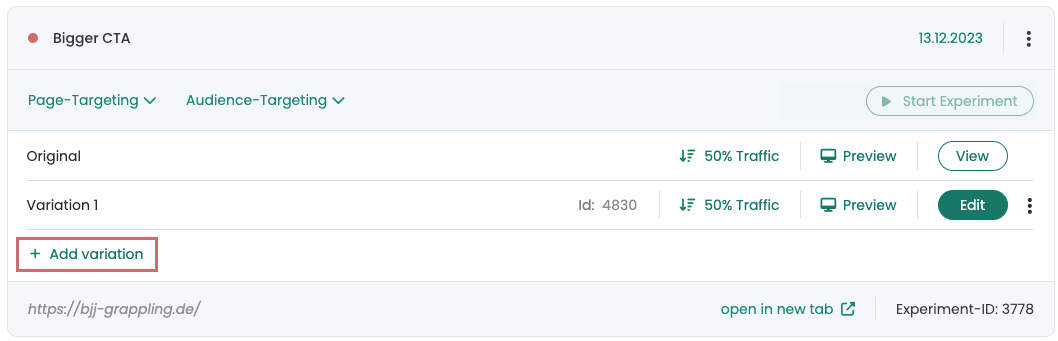
The newly added variation is initially a copy of the original variation. To customize the new variation, simply click on the individual "Edit" button, which will open the familiar Varify.io editor. There you can make the desired adjustments.
Adjust traffic distribution
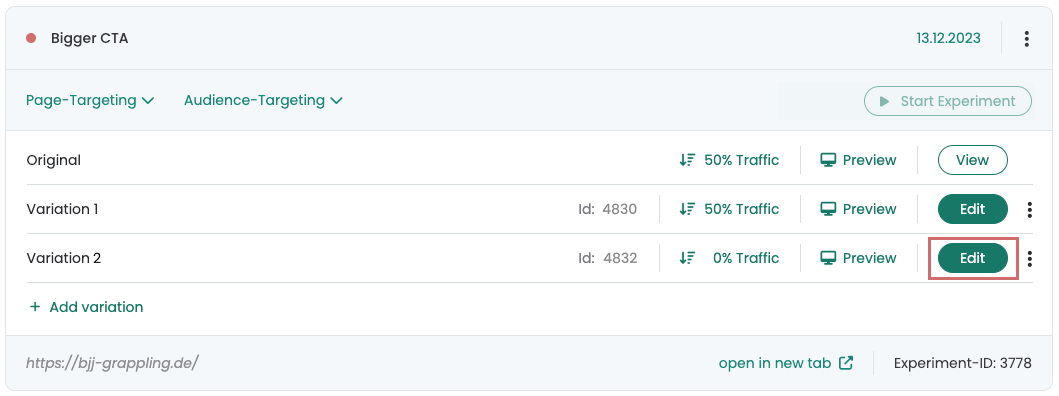
When creating an experiment, the traffic distribution between the original variation and variation 1 is set to 50% by default. Newly added variations, on the other hand, are set to 0% by default.
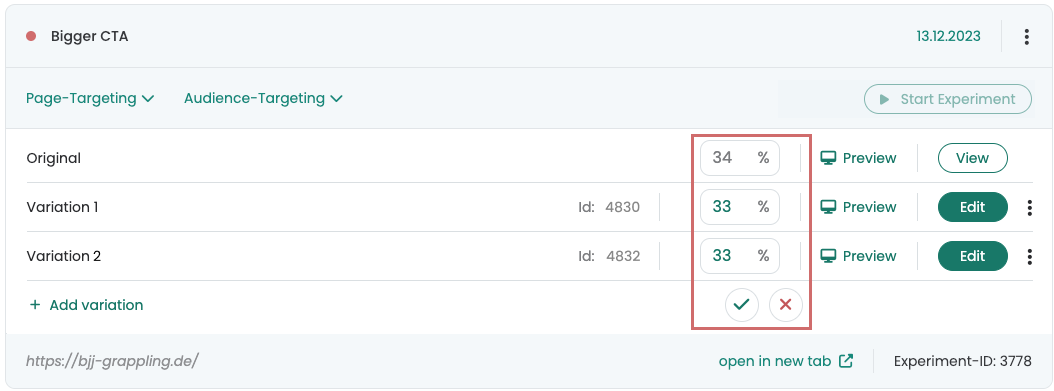
To adjust the traffic distribution for your variations in the experiment, you can click on the corresponding distribution and set individual percentage values. The following rules must be observed:
- The percentage values must be whole numbers.
- The portion of 100% that is not assigned is automatically assigned to the original variation.
- If the total percentage values add up to more than 100%, the distribution cannot be saved.
- If a variation is not to be played, it must be set to 0%
Test variations
To test the variations, you can simply click on the corresponding "Preview" button. This opens the selected variation in a separate window and a special parameter is added to the URL. You can pass this URL with the parameter on to colleagues so that they can also check the variation.
Another option is to make the experiment live and use audience targeting to ensure that normal users do not see the experiment. You can then activate our Chrome extension mode and test the desired variation. To do this, simply set the traffic allocation for the variation to be tested to 100%. You can find more detailed instructions on how to do this at "A/B Testing Quality Assurance„.
Evaluate multi-variant experiments
Experiments with multiple variations can be evaluated in the same way as classic A/B tests using the exploratory reports in Google Analytics. For detailed instructions on the exact procedure, we have written a separate article in our user documentation. There you will find all the information on Evaluation of results in GA4.