Duplicating experiments and variants
Duplicate an experiment or a single variant from the dashboard. The copy gets a new ID, which matters for evaluation.
In short
To duplicate an experiment or a variant, simply click the three-dot menu for the experiment or the corresponding variant in the dashboard and select „duplicate.“ Duplicated experiments and variants are assigned a new experiment or variant ID.which should be taken into account when evaluating the results.
Duplicate experiment
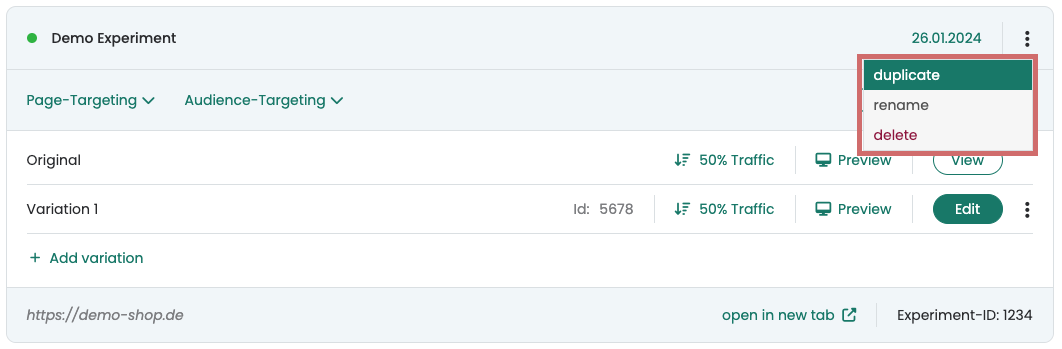
With just one click, you can duplicate an experiment right from your dashboard. To do this, click the three dots in the upper-right corner and then select „duplicate.“.
The experiment is now duplicated with all the variants it contains. It is also given the same experiment name with the addition "(copy)" at the end.
Regardless of whether the original experiment was started or paused, the new duplicated experiment will always be paused.
The duplicated experiment itself and the variants it contains are assigned new IDs.
Duplicate variation
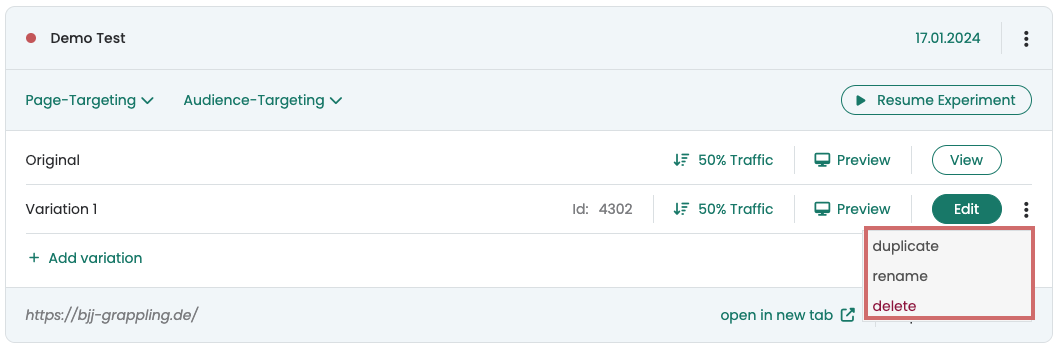
You can duplicate a variation directly in your dashboard with just one click. To do this, go to the dashboard and click on the three-dot menu in the row of the desired variation on the far right. In addition to the options 'Rename' and 'Delete', you will also find the option to 'Duplicate'.
Edit duplicated variation
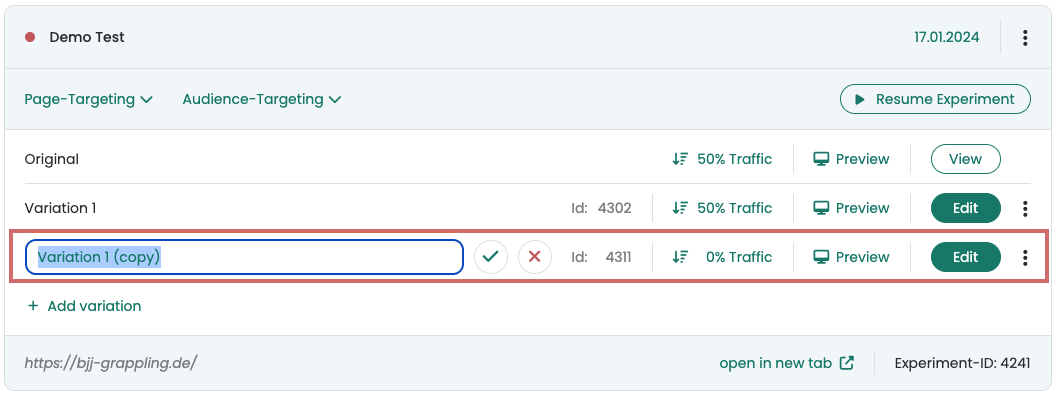
The duplicated variant is now displayed as a new variant with its own variant ID in your experiment. The variant ID is important for the Evaluation of results.
Rename the new variant to make it easier to distinguish. You can then edit the variant as usual by clicking the ‚Edit‘ button. You can use the ‚Preview‘ link to view or share them.
Adjust traffic distribution after duplication
The duplicated variation is always added with a 0% traffic distribution. Therefore, you can also duplicate a variation during a running experiment without users seeing it immediately.
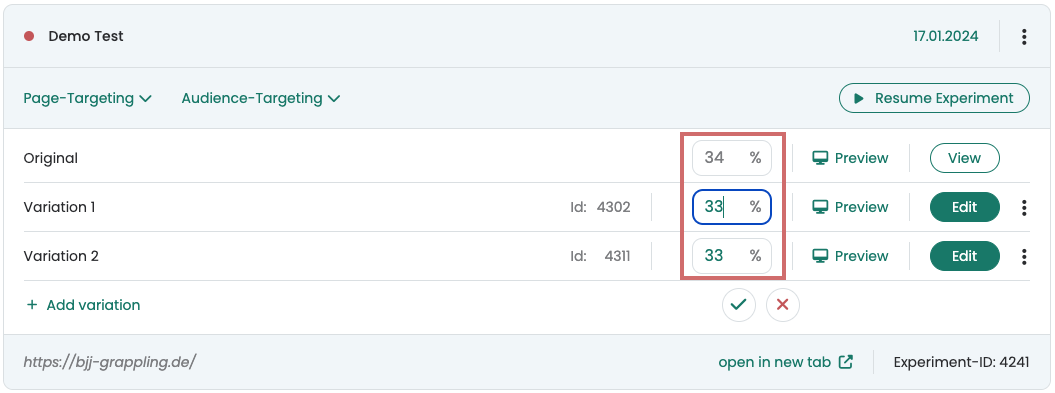
To play the variant, you can simply adjust the traffic distribution. For example, set the value to 33% to assign it this share of the traffic.
If you only want to play the duplicated version, set the traffic distribution to 100%.